
Introduction
Effective audience targeting is at the core of successful advertising campaigns, especially on platforms like Meta. By understanding and leveraging the tools available in Meta Ads Manager, advertisers can ensure their messages reach the right people at the right time.
In this guide, you’ll learn:
- What Meta audiences are
- The different types of audiences you can create
- Key targeting parameters available
- Best practices for managing audiences
- Tips to optimize your targeting strategies
What Is Audience Targeting in Meta Ads Manager?
Audience targeting in Meta Ads Manager is the process of defining who should see your ads. It uses a mix of demographics, interests, behaviors, and connections to refine ad delivery.
Instead of sending ads to everyone, you can focus on people most likely to engage, convert, or purchase – improving both efficiency and ROI.
Why Is Audience Targeting Important?
Precise targeting ensures that:
- Ad spend is used efficiently by reaching the right people.
- Messaging feels relevant because it’s tailored to the audience’s needs and preferences.
- Campaign goals are met faster, whether that’s awareness, lead generation, or sales.
Without accurate targeting, even the best ad creative may underperform.
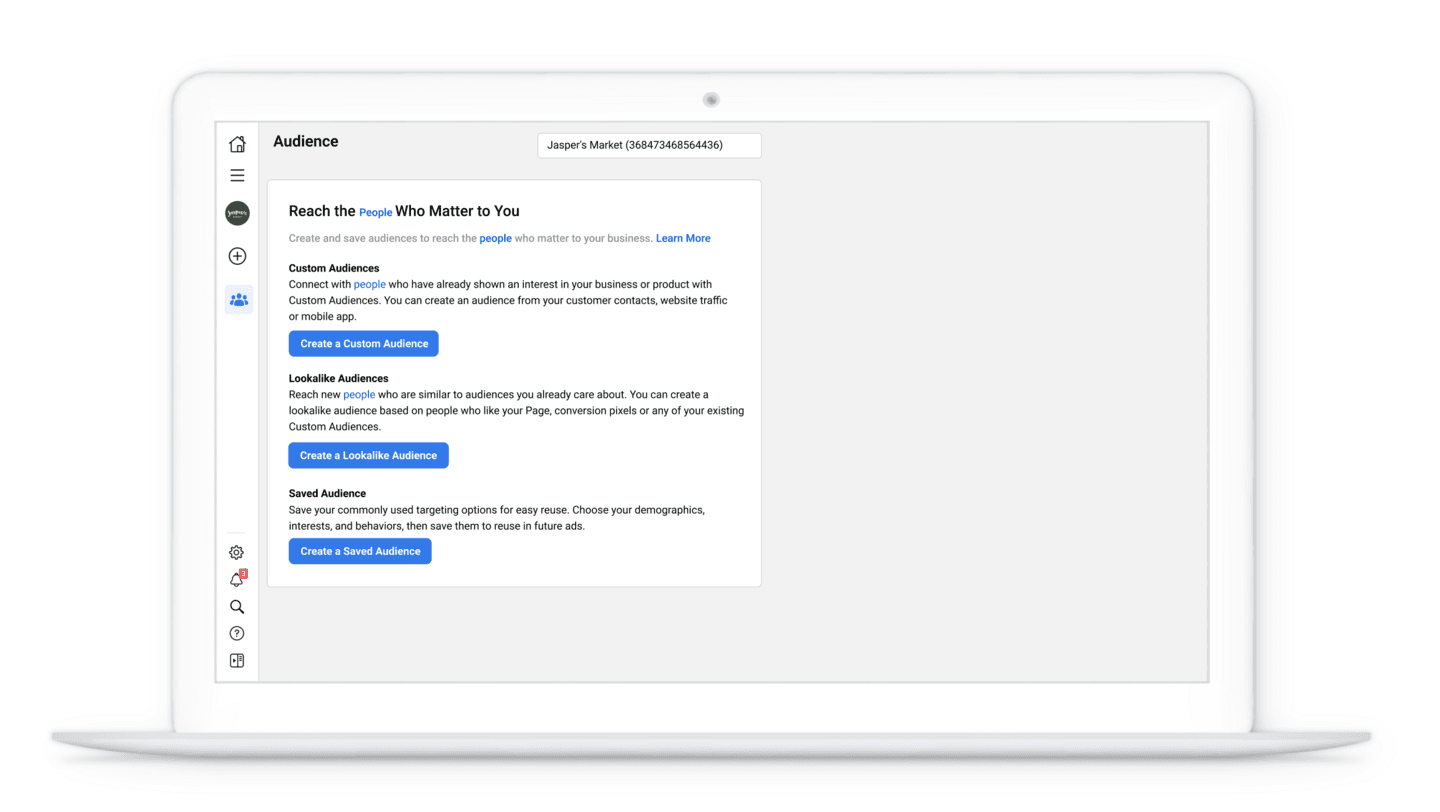
Meta Ads Manager Audience Creation Interface
How to Create Audiences in Meta Ads Manager
Audience creation happens at the ad set level. Here’s how you can build different types of audiences:
1New Audiences
Manually define your audience by choosing parameters such as:
- Demographics (age, gender, education, job title)
- Locations (radius targeting, city, or country)
- Interests (fitness, travel, technology, fashion, etc.)
- Behaviors (purchase activity, device usage)
- Connections (users who already engage with your page or app)
2Custom Audiences
Reach people who already know your business. Sources include:
- Contact lists (email/phone uploads)
- Website visitors (via Meta Pixel)
- Mobile app users
- Engagement-based audiences (video views, lead form interactions, etc.)
3Lookalike Audiences
Expand your reach by finding new people similar to your best customers.
- Based on data from existing custom audiences
- You can control audience size (1–10%) depending on how broad you want your reach
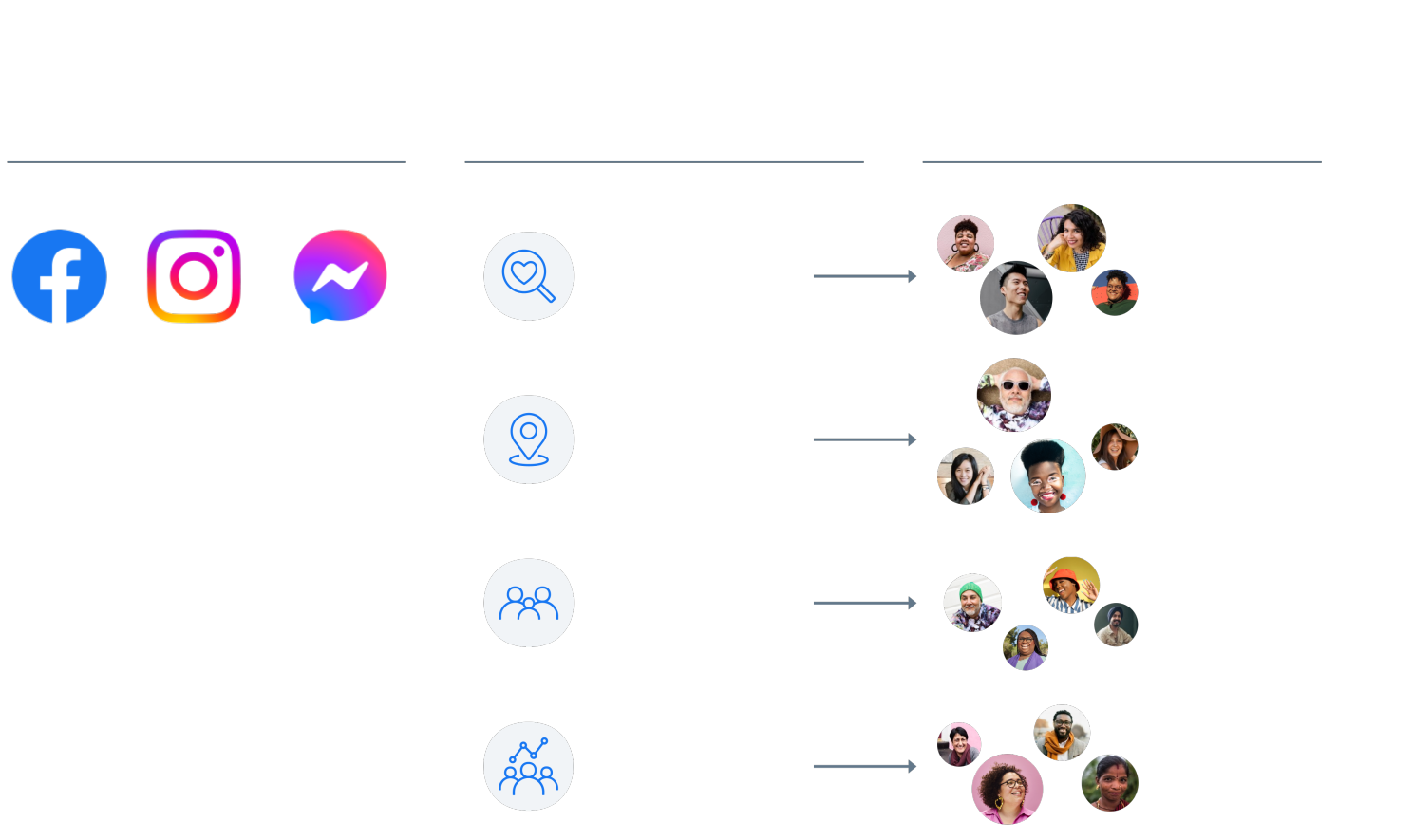
Different types of audience targeting in Meta Ads
Key Targeting Parameters
When creating or refining audiences, you can adjust:
📍 Location
Target globally or narrow down to a small local radius.
👤 Demographics
Age, gender, education, job title, relationship status.
🎯 Interests
Hobbies, passions, and lifestyle preferences.
📱 Behaviors
Device usage, shopping patterns, travel activity, etc.
🔗 Connections
Include or exclude people connected to your page, app, or events.
Best Practices for Audience Management
💾 Save Your Audiences
Reuse saved audiences to save time and ensure consistency. Note: you must reselect locations each time you use a saved audience.
🎯 Experiment With Broad vs. Narrow Targeting
- Broad targeting → Best for brand awareness campaigns
- Narrow targeting → Best for lead generation or sales-focused campaigns
📊 Use Segmentation
Create separate ad sets for different audience groups. This allows you to test tailored messaging and optimize bidding strategies for each segment.
Implementation and Optimization
✅ Use broad targeting for campaigns where reach and visibility matter most.
✅ Use narrow targeting when you want high-quality leads or specific conversions.
✅ Continuously test and refine your audiences based on performance data.
Conclusion
By mastering audience targeting in Meta Ads Manager, you can maximize ad performance and ensure your campaigns align with client goals.
Audience targeting isn’t just about finding people – it’s about finding the right people and delivering messages that resonate with them.
👉 For a deeper dive, explore the Meta Blueprint Audience Targeting Course
📚 Learn more about audience management in Meta Business Help Center